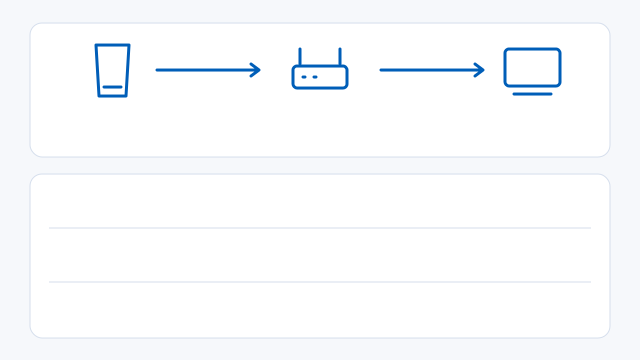
If the session drops away from home
Try the same device on your home network first. Pause competing downloads while testing.
CGNAT can prevent inbound connections even when your local forwarding rule is correct. Check with your ISP before changing more ports.
- Check NAT in the Sony app. NAT Type 3 or an unavailable result can prevent a connection. If local play works, check the documented UDP 8572 rule.
- Try connecting through PSN after local registration. For a manual remote connection, use the rules above for your selected console.
- Troubleshooting ↗
Add frame generation on Windows
SmoovPlay takes an existing stream or capture and can generate 60, 90 or up to 120 displayed FPS from a 30 FPS feed. Check that your monitor supports the target refresh rate. Use 64-bit Windows 10 or 11, at least 8 GB RAM, 12 GB free for setup and a supported GeForce RTX 30, 40 or 50 series GPU.
SmoovPlay measured a median 17.6 ms of processing time for two interpolated frames in a live 90 FPS PS5 example, including upload work, using an RTX 4070 Ti SUPER. This measures frame processing. Total control-to-display delay also depends on the console, connection and display.
SmoovPlay ↗